
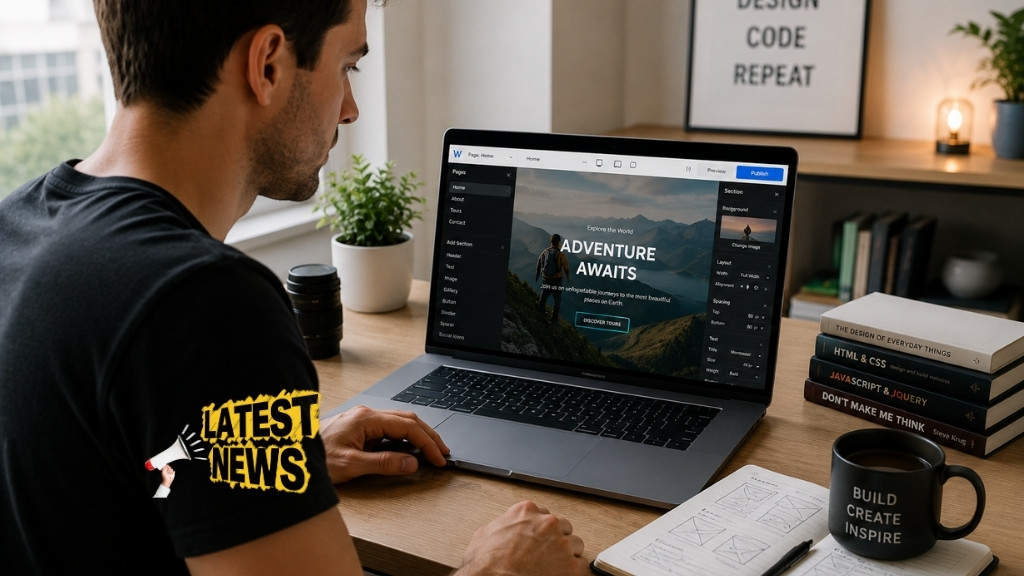


Creating a website no longer requires coding skills, technical knowledge, or a big budget. In today’s digital world, anyone can build a professional-looking website completely free using modern platforms and tools. Whether you want to start a blog, create a portfolio, launch a small business site, or build an online presence, free website builders have made the process incredibly simple.
In this detailed guide, you’ll learn how to create a website for free step by step, including choosing the right platform, designing your site, adding content, and publishing it online. This article is designed to be beginner-friendly, SEO-optimized, and practical so you can take action immediately.
Understanding Free Website Creation
Before you start building your website, it’s important to understand what “free website” actually means. A free website typically includes access to a website builder platform, hosting, and a subdomain. This means your website might look something like: yourname.platformname.com instead of a custom domain like yourname.com.
Free plans usually come with some limitations such as ads, limited storage, and fewer customization options. However, they are perfect for beginners who want to learn, experiment, or build a basic website without investing money upfront.
The biggest advantage of free website builders is that they handle all the technical aspects like hosting, security, and maintenance. This allows you to focus entirely on content and design.
Choosing the Right Free Website Builder
Selecting the right platform is the most important step in creating a website. Different platforms offer different features, flexibility, and ease of use. Some are better for blogs, while others are ideal for business or portfolios.
Below is a comparison of popular free website builders:
| Platform | Best For | Ease of Use | Free Plan Features |
|---|---|---|---|
| Wix | Beginners & design | Very Easy | Drag-and-drop editor, templates |
| WordPress.com | Blogging | Easy | Powerful blogging tools |
| Weebly | Small websites | Easy | Simple builder, basic features |
| Google Sites | Simple websites | Very Easy | Free hosting, minimal design |
| Webflow | Advanced users | Medium | Professional design control |
Choosing the right platform depends on your goal. If you want a simple blog, WordPress is a strong choice. If design matters most, Wix offers more creative freedom. If you want something extremely simple, Google Sites can work well.
Planning Your Website Before You Build
Many beginners skip planning and jump straight into design, but this often leads to confusion later. A well-planned website is easier to build and performs better in search engines.
Start by deciding the purpose of your website. Ask yourself whether you want to share information, sell products, or showcase your work. Once you define your goal, think about your target audience and what kind of content they are looking for.
You should also decide the structure of your website. Most websites include a homepage, an about page, a contact page, and content pages like blogs or services. Having a clear structure will help you stay organized and create a better user experience.
Creating Your Free Website Step by Step
Once you’ve selected your platform and planned your website, it’s time to start building.
First, sign up on your chosen platform using your email address. Most platforms guide you through the setup process and ask a few questions about your website type.
After registration, you will be asked to choose a template or theme. Templates are pre-designed layouts that make it easy to create a professional-looking site. Choose a template that matches your niche and style.
Next, customize your design by editing colors, fonts, images, and layout. Drag-and-drop builders allow you to move elements around easily without coding.
Then, add your content. This includes text, images, videos, and other elements that communicate your message. Make sure your content is clear, engaging, and relevant to your audience.
Finally, preview your website to check how it looks on desktop and mobile devices. Once everything looks good, click the publish button to make your site live.
Essential Pages Every Website Should Have
Every website needs certain core pages to look complete and professional. These pages help users understand your purpose and navigate your site easily.
The homepage is the most important page because it creates the first impression. It should clearly explain what your website is about and guide visitors to other sections.
The about page tells your story and builds trust with your audience. It explains who you are, what you do, and why your website exists.
The contact page allows visitors to reach you. Even a simple contact form or email address can make your website more credible.
Content pages such as blog posts or service pages provide value and help your website rank in search engines. Regularly updating content is key to growing your audience.
SEO Basics for Your Free Website
Search engine optimization is essential if you want people to find your website online. Even a free website can rank well if you follow basic SEO practices.
Start by using relevant keywords in your titles, headings, and content. Your main keyword for this article is “how to create a website for free,” and similar keywords should be naturally included throughout your content.
Make sure your website loads quickly and is mobile-friendly, as these factors affect your ranking. Most modern website builders automatically optimize for mobile devices.
Writing high-quality, original content is one of the most important SEO strategies. Search engines prioritize useful and informative content that answers user queries.
Below is a simple SEO checklist:
| SEO Element | Description | Importance |
|---|---|---|
| Keywords | Use relevant search terms naturally | High |
| Meta Titles | Title shown in search results | High |
| Mobile Friendly | Website works well on mobile devices | High |
| Page Speed | Fast loading improves user experience | Medium |
| Content Quality | Unique and valuable information | Very High |
Advantages and Limitations of Free Websites
Free websites are a great starting point, but they are not perfect. Understanding both advantages and limitations will help you make better decisions.
One major advantage is cost. You can create and publish a website without spending money. This makes it ideal for beginners, students, and small projects.
Another advantage is ease of use. Most platforms are designed for non-technical users and offer simple interfaces.
However, free websites come with limitations. You may see ads displayed on your site, which can look unprofessional. You also don’t get a custom domain name unless you upgrade to a paid plan.
Customization options are often limited, and you may not have full control over your website compared to self-hosted solutions.
Here is a comparison:
| Feature | Free Website | Paid Website |
|---|---|---|
| Cost | Free | Requires investment |
| Domain Name | Subdomain | Custom domain |
| Ads | Platform ads included | No ads |
| Customization | Limited | Full control |
| Professional Look | Basic | Advanced |
Tips to Make Your Free Website Look Professional
Even with a free plan, you can create a website that looks clean and professional. The key is to focus on simplicity and consistency.
Use a clean design with consistent colors and fonts. Avoid cluttering your pages with too many elements. A simple layout often looks more professional than a complex one.
Choose high-quality images that match your content. Poor-quality images can make your website look untrustworthy.
Write clear and engaging content. Avoid grammatical errors and make sure your message is easy to understand.
Keep navigation simple so visitors can easily find what they are looking for. A well-structured menu improves user experience.
When to Upgrade from Free to Paid
A free website is a great starting point, but there comes a time when upgrading makes sense. If you want to build a serious online presence, a custom domain and better features can help.
You should consider upgrading when your website starts getting traffic or when you want to build a brand. A custom domain looks more professional and improves credibility.
If you plan to monetize your website through ads, affiliate marketing, or selling products, a paid plan offers more flexibility and control.
Upgrading also removes platform ads and provides better performance and support.
Creating a website for free is easier than ever, thanks to modern website builders. With the right platform, proper planning, and basic SEO knowledge, you can build a professional-looking website without spending money.
The key is to start simple, focus on quality content, and continuously improve your website over time. Free platforms are a great way to learn and grow before investing in advanced features.
If you’ve been thinking about creating a website, this is the perfect time to start. Take the first step today, choose a platform, and bring your ideas to life online.


